SERVICES
I offer a wide range of I.T. services. Some are more residential in nature, some business-oriented, and many are both.

Buy a New Computer (or Several)
ITCOMO makes getting new computers easy! I will interview you in plain English (no geek talk) to determine your need, then specify (or buy on your behalf) the best-priced computer system to fill that need. Then I'll install everything and move your data to your new computer.
This includes my customizations that give you a safer and far better experience. I can also assist after the installation, often remotely, with whatever questions you might have.
You don't have to deal with computer sales people trying to oversell you, or not recommending an ideal solution because they don't stock it, or schlep a new computer back home and mess with a tangle of wires. Plus, I'll remove all the pre-installed bloatware and install my custom tools and other useful things you'll actually want and appreciate!
Read more about important laptop specs here.
Tune Up Your Existing Computer
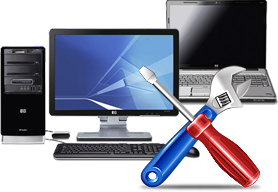
Maybe your computer isn't that old but it's just running poorly. There's a number of adjustments and even an upgrade or two that can give a significant boost in performance. Depending on the existing specs and the upgrades I can perform, it could extend the useful life by several years.
I'll also describe in non-geeky detail when it might be wise to consider a new computer rather than trying to soup-up an existing. e.g. Windows 10 is no longer supported. Computers that were made circa 2017 and earlier generally aren't compatible with the newer Windows 11. Time to upgrade.
If your computer was made in 2018 or later then a tune-up may be all it needs to restore it to optimum condition. If your computer lacks an SSD then there's a huge speed-up opportunity right there. Additional RAM also never hurts.
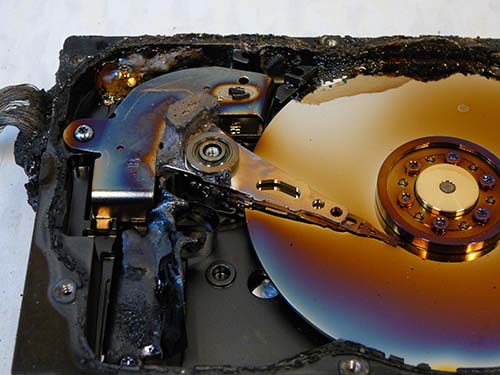
Burned-up Hard Drive
Backing Up Your Data
The SSD or HDD (hard drive) in your computer is what stores all your stuff. HDDs in particular are the single most failing part in any computer by a country mile. SSDs are far more reliable as far as device failure goes.
But there many are other insults that can wreak havoc: fire, theft, flood, building-levelling tornado, malware, and accidental deletion, to name a few.
Backing up your data is the single most important maintenance you can perform, yet many people have no backup system at all. Or they think they have one but it's not working.
Let ITCOMO design an appropriate backup solution for you so your data stays safe and secure. The time to protect your data is now, before a catastrophic event destroys it all.
Read more about data backup methods here.
Printer Selection and Setup
Buying a printer is surprisingly more complicated than you'd imagine. There's a ton of important specs -- and those specs are different for lasers vs. inkjets.
1-Should you buy a laser printer or an inkjet? 2-Do you also need to scan, copy, and fax? 3-Do you want to share it with more than one computer? 4-Do you want to print from your iPhone or iPad? 5-Do you want to print photos?
6-How much will you print per month? 7-Do you need color? 8-How fast should it print and scan?
There's actually quite a bit of consideration required when selecting, installing, and configuring a printer to get an optimum experience. I can help you make the right decision on a printer so you get the most from it.
I'll also make brand recommendations to ensure you don't buy a consumer-hostile brand.
Hint: The brand pictured here is among the best in the consumer printer marketplace.
Read more about how to choose a printer here.
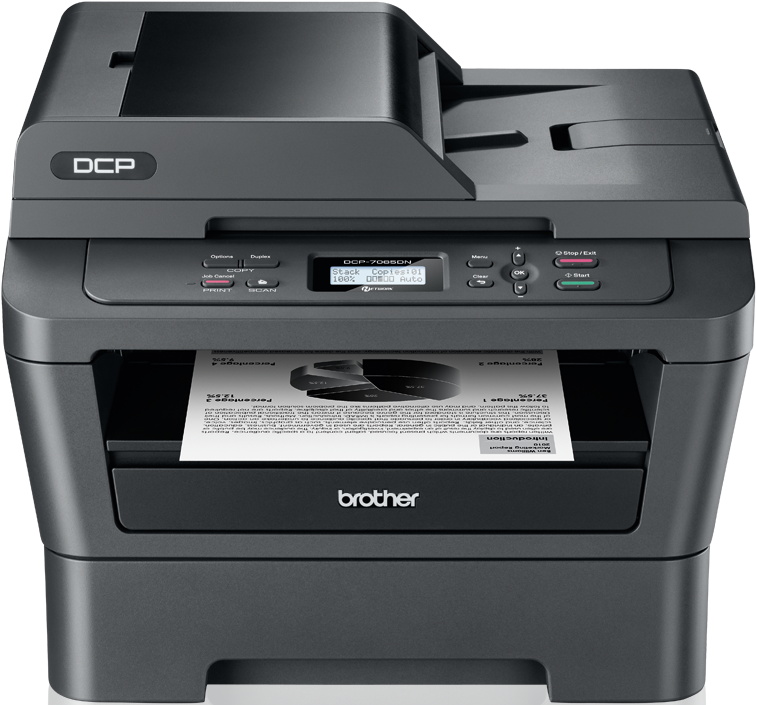
Brother printer
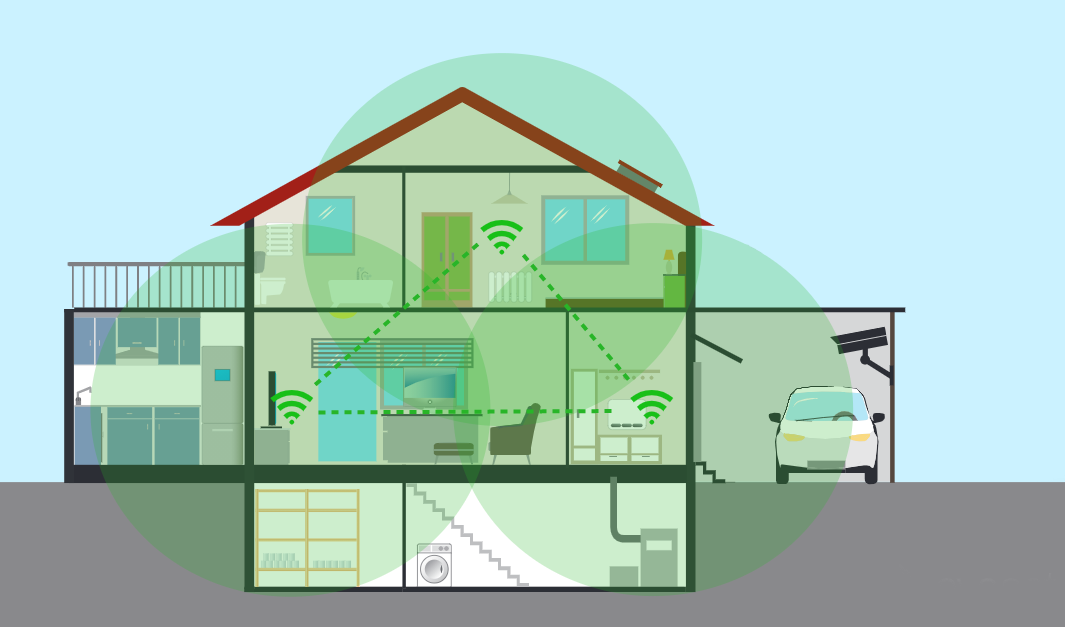
Wireless Mesh Diagram
Wireless Networking
Do you have wireless dead spots in your home? Wireless signals are mostly line-of-sight and are easily absorbed by walls, furniture, appliances, and floors (in a multi-level home). A single wireless router will rarely provide a good strong signal to an entire home, especially a larger one.
There are numerous ways to extend coverage to your entire home and even detached out buildings such as a guest cottage. One such way is with a wireless "mesh" system. But not all mesh systems are created equal. There are several key features to consider.
Call me to come over and assess your layout and perform a signal strength study. I can design a solution that gives you a strong wireless signal all over your property.
Read my wi-fi deep dive explainer here.
Comfortable Workstation
A comfortable and ergonomic workstation is important to good health, attitude, and productivity.
While it may not be practical to change out a desk, it is possible to clean up wires, tidy up the footwell, and arrange your peripherals to give more comfort. And a good chair is an absolute must if you sit for many hours.
Employees are already pretty expensive so you'd probably like to have them operating as efficiently as possible. For maybe a week or two of pay, you can significantly improve a suboptimum workspace and likely recoup that cost with improved morale and productivity.
More here on ergonomics, comfort, and productivity.
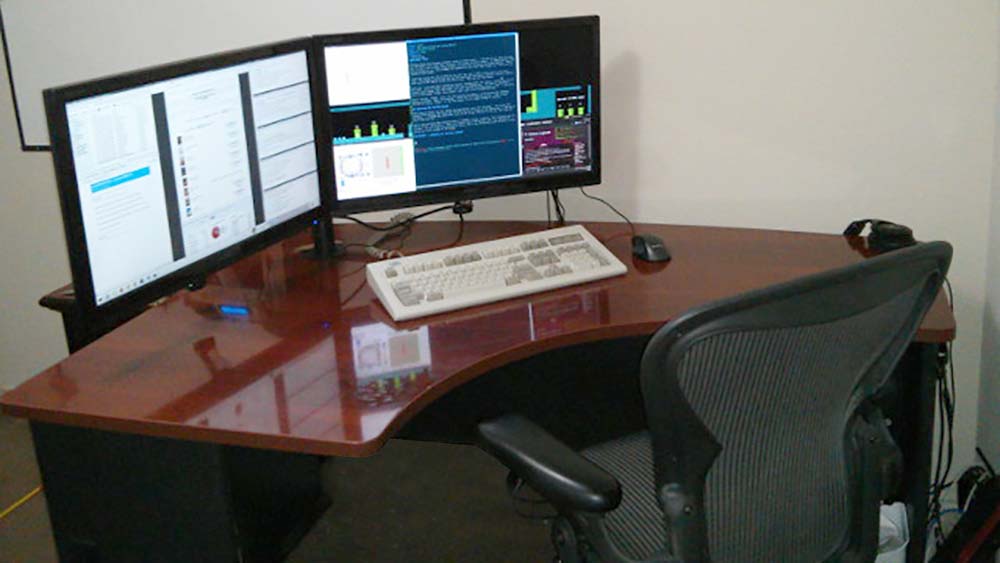
Comfortable Workstation
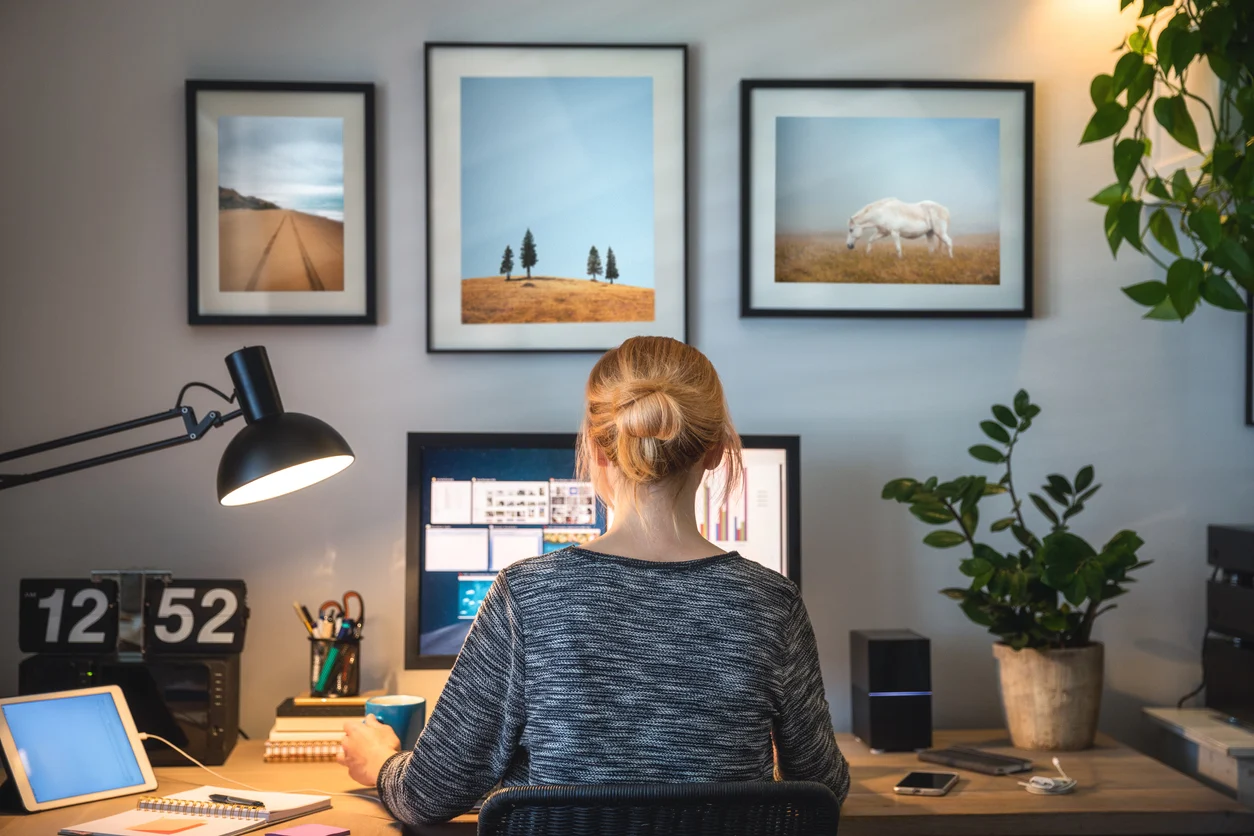
Nice Home Office
Remote Access and Working from Home
Work from home (WFH) was an option for many years, going back to the 1980s for some lucky people. But the pandemic that 2020 brought has definitely made WFH a thing.
Today, a much larger percentage of the workforce is working from home and, depending on the industry, offering that as an option is a pretty important employment inducement.
A proper WFH set up can give you an in-office experience including access to an office server, your office computer, and even extend your office telephone to your home.
There's several ways to do this and we can discuss all of them.
New Ways to Watch TV
Sure, we all know about Netflix streaming, but there's many new ways to watch TV nowadays. It's entirely possible to "cut the cord" (cancel cable TV) and save money every year.
Between Netflix, Amazon Prime, Hulu-Plus, and other streaming services, you can pick and choose which services most closely meets your viewing wants and needs. Don't pay for 187 stupid channels when you only watch a half dozen. And you can ditch the regional sports franchise fee as well if you aren't a fan of televised sports.
With streaming, you watch what you want when you want as long as it's in the streaming providers library. Gone are the days of appointment viewing when you watched whatever was broadcast that evening or having to make your evening plans around your cable TV schedule.
But you'll want to be aware of some of the pitfalls of today's streaming ecosphere.
Read my TV today deep dive and About Socket TV here.
Retro futuristic TV, ain't that cool?